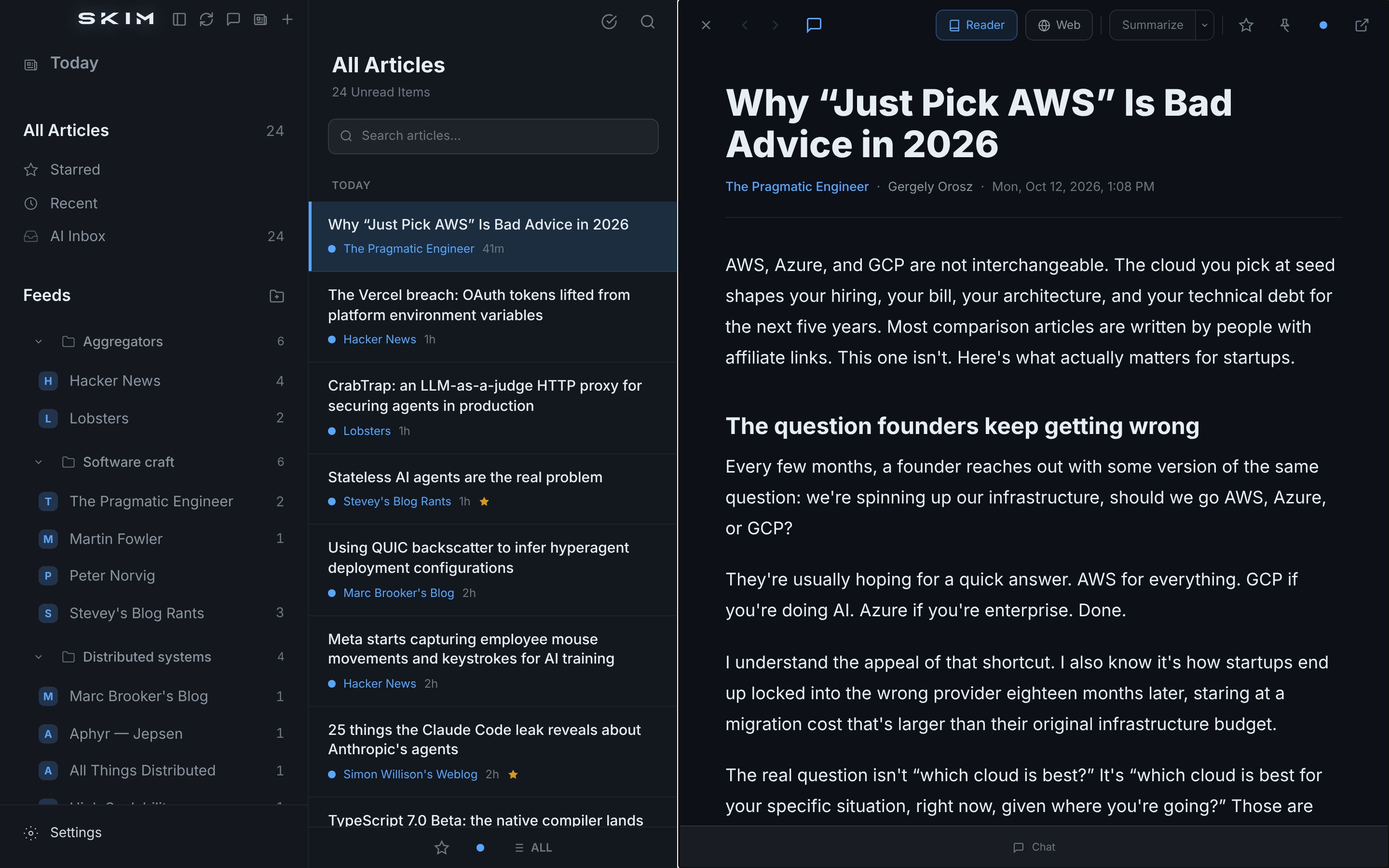
Ingest feeds. Let a model triage the noise.
Skim the rest.
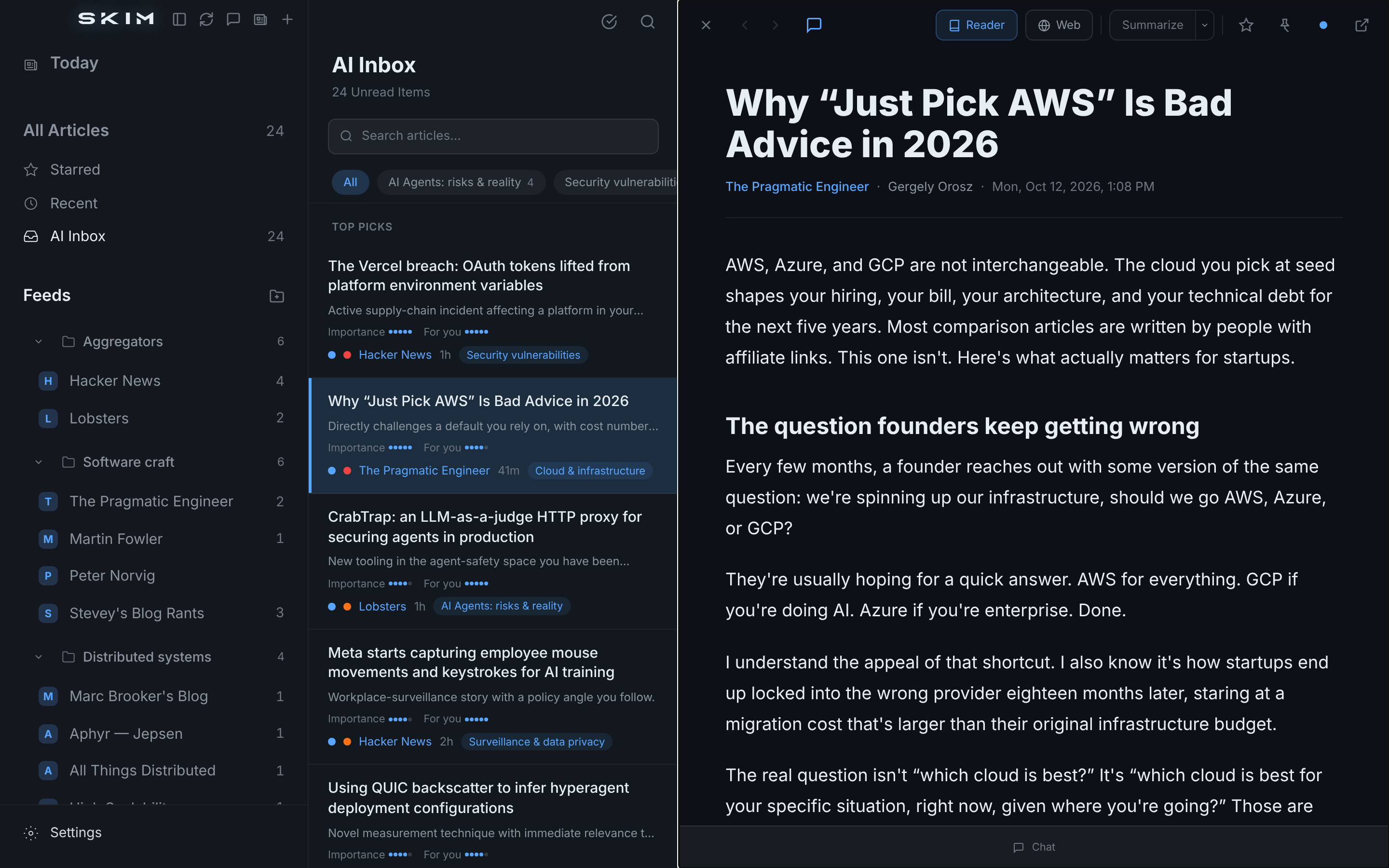
Every unread scored 1–5. Must-read floats. Theme chips slice the queue by topic.
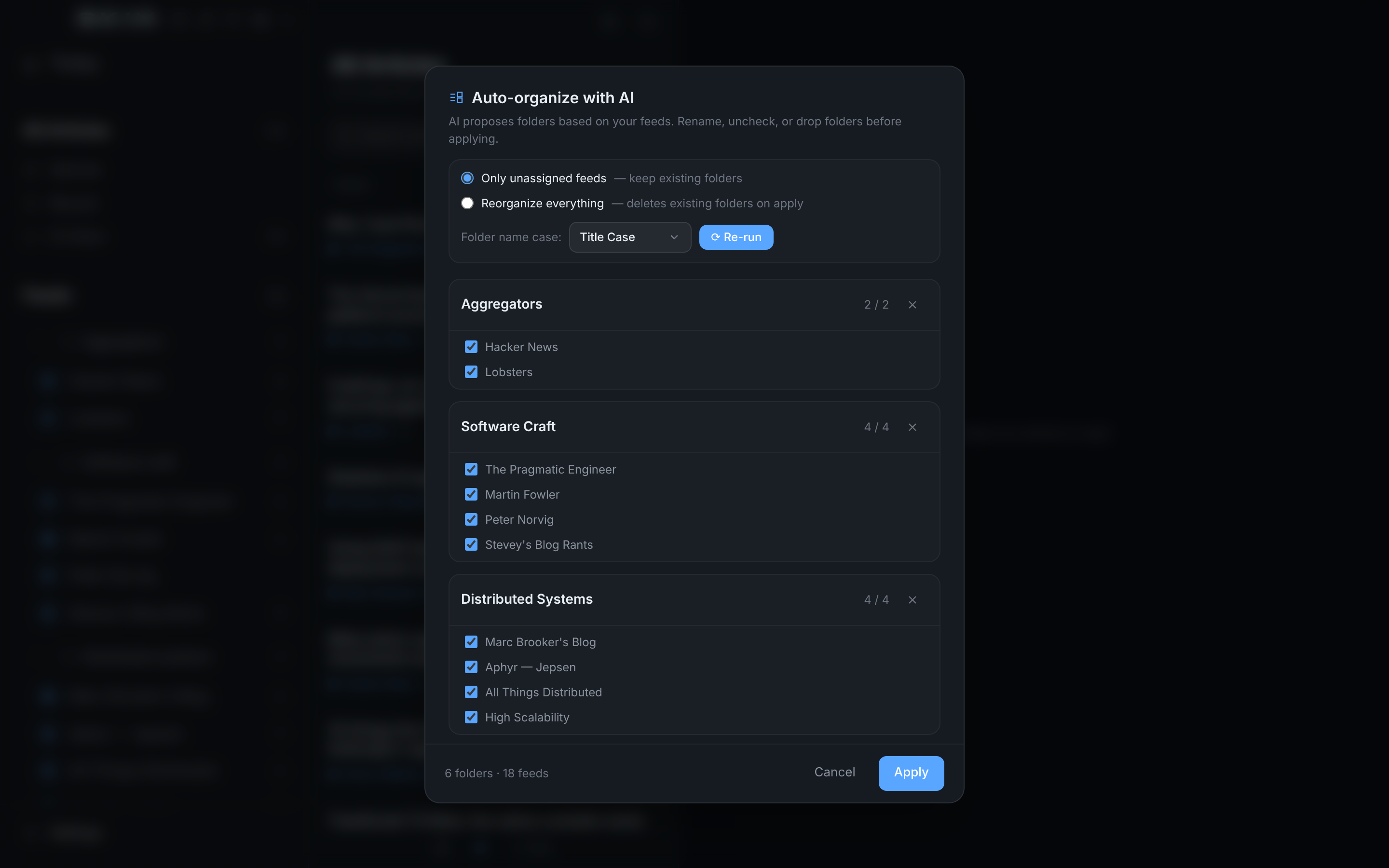
AI proposes folders from your feeds. Rename, uncheck, apply.
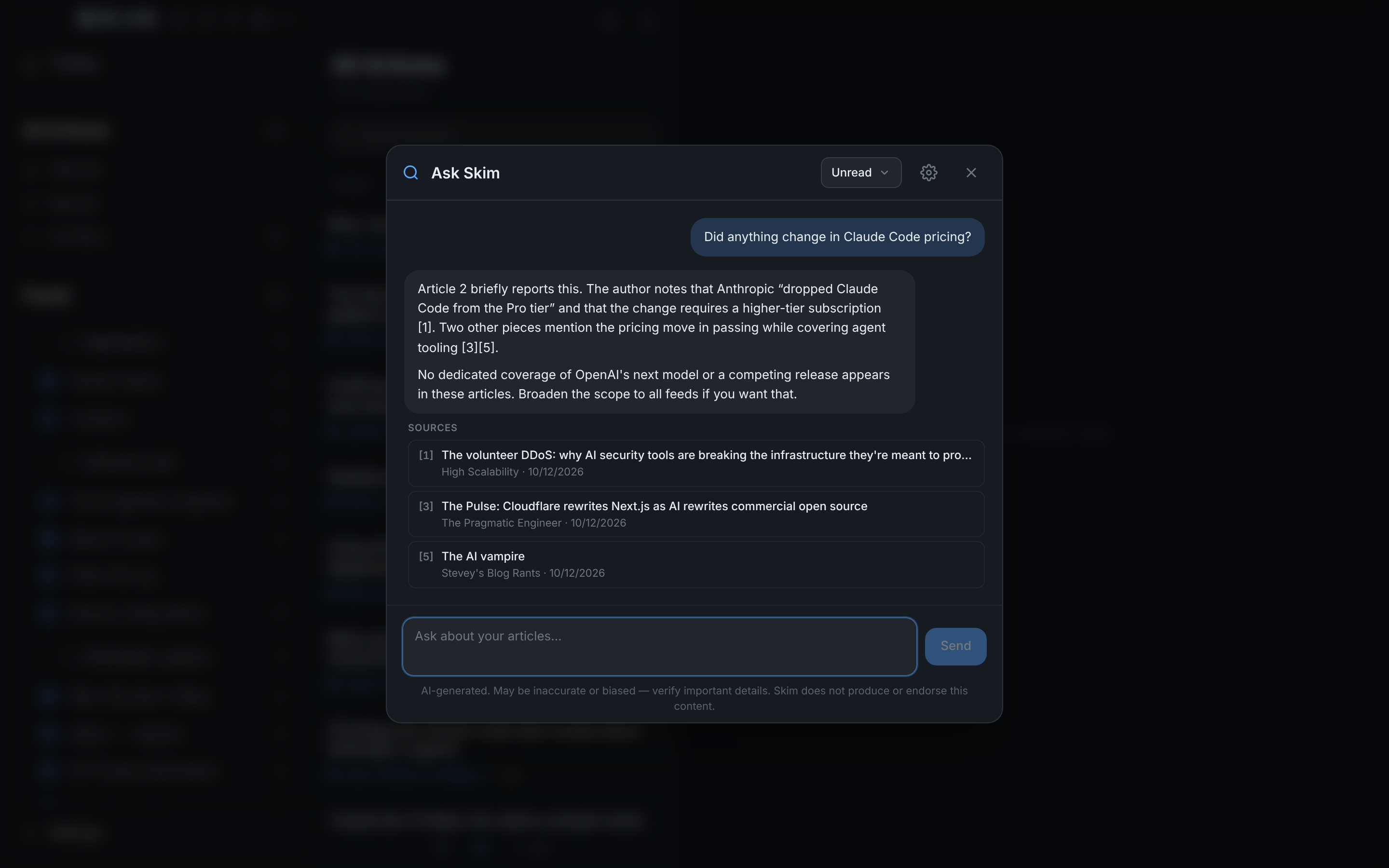
Chat across your whole feed with citations. Pulls in web results when needed.
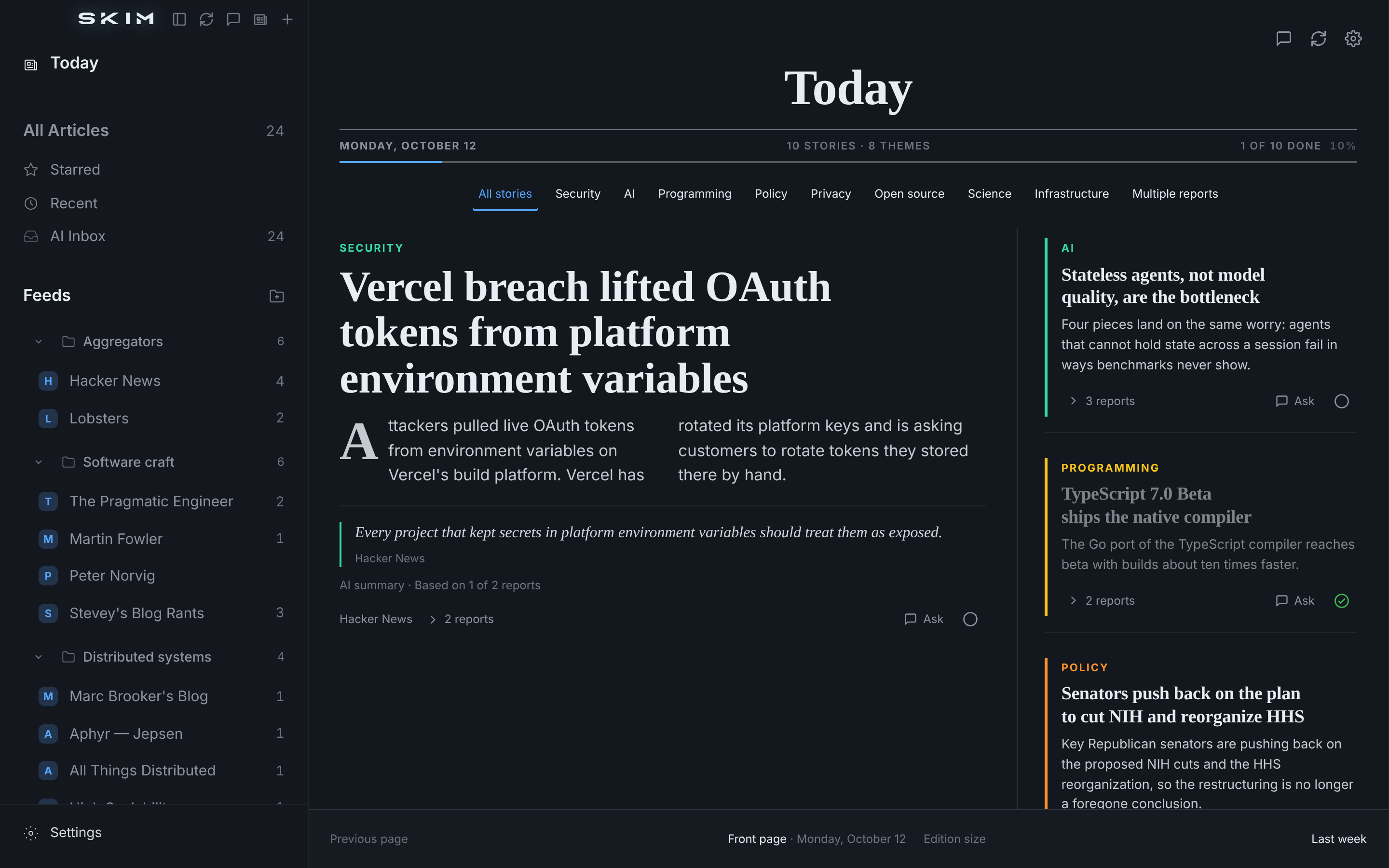
Your feeds as one front page. Turn the page to go back a week at a time.
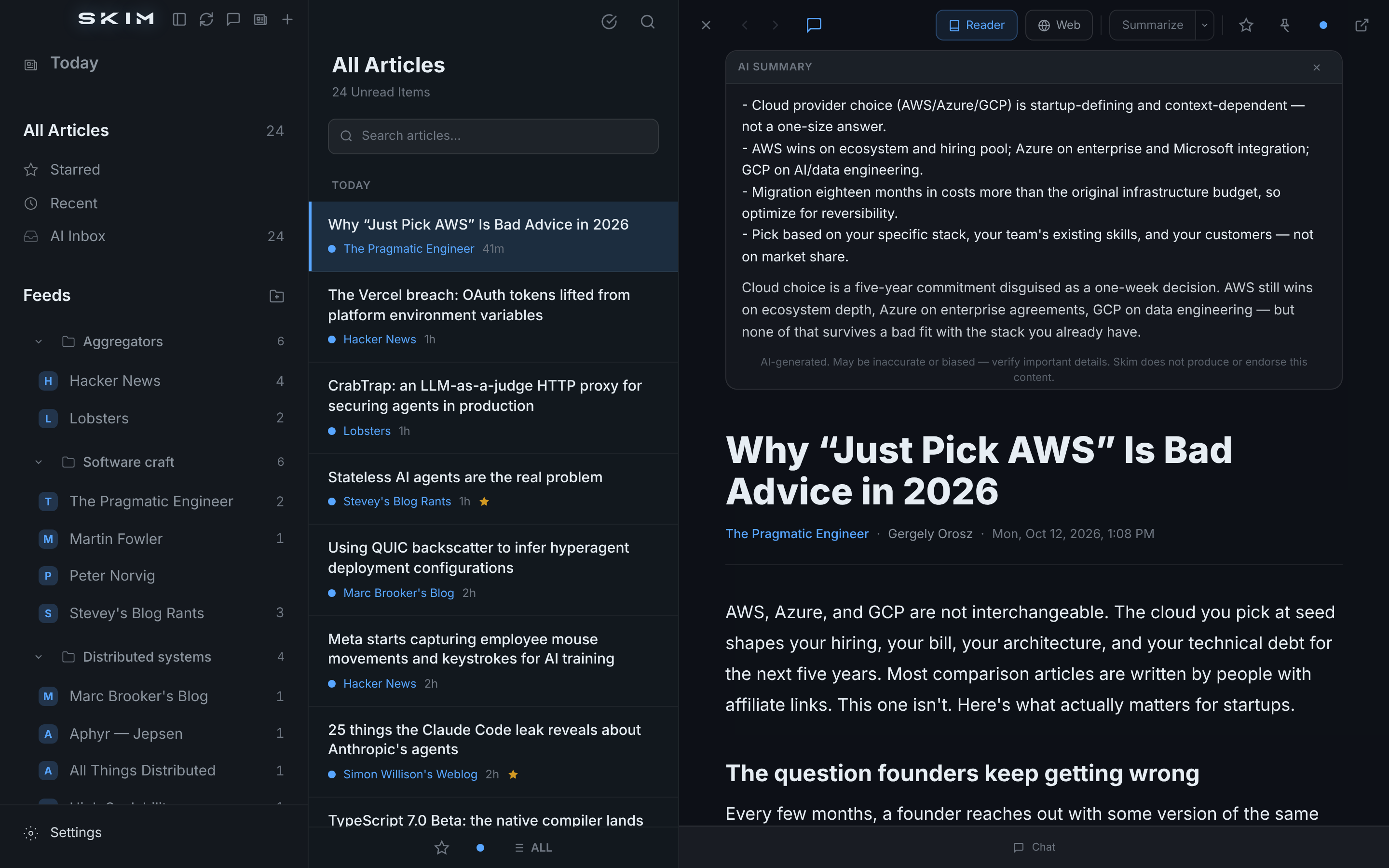
Length, tone, format, custom prompt. Reader or web view.
Sidebar, list, detail. Favicons, unread counts, keyboard nav.
Reading time, stars, chats, feedback, overrides — all feed triage. Plus a freeform "what I care about" prompt.
Regex on title / URL / OPML category. Any/all match modes.
Two-way Feedly sync. Import / export OPML.
Chat grounded on article body. Web-search tool available.
All data in SQLite. No Skim cloud. No telemetry.
llama.cpp on desktop. MLX + Apple Foundation Models on iOS.
OAuth sign-in — no API key. Uses your Pro/Max.
j/k, r, s, /, ⌘N. Swipe actions. Drag-drop OPML.
Open an issue on GitHub. Include your device, OS version and Skim version if you can.
On the Mac, use Help → Skim Support or Help → Report an Issue.
Skim works fully without AI. To turn AI on, pick on-device models, or sign in with an account you already have with a provider such as Anthropic or OpenAI. Skim sells nothing and has no in-app purchases.
Feeds, articles and settings stay on your device. See the privacy policy and terms.